
Keyboard Shortcuts

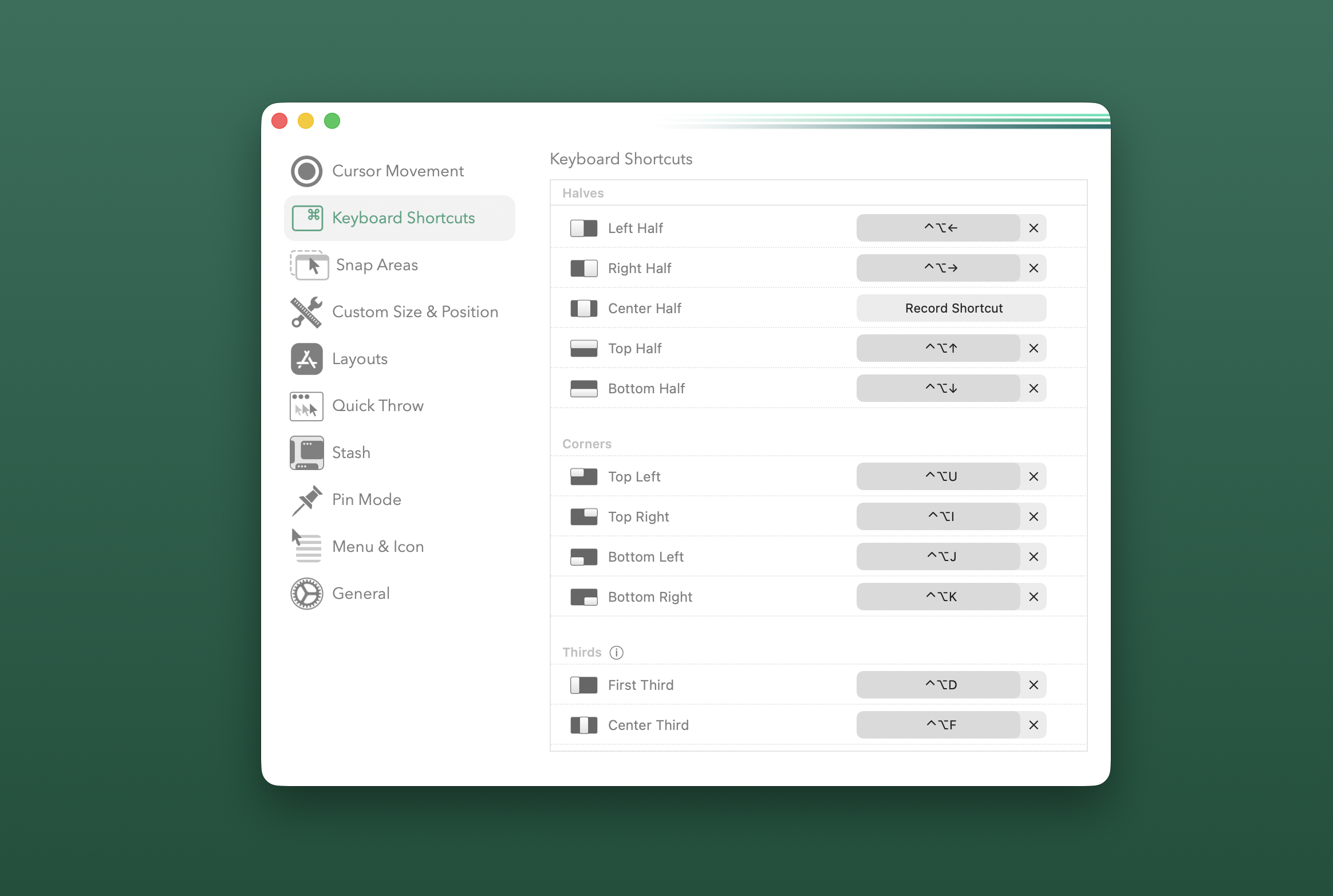
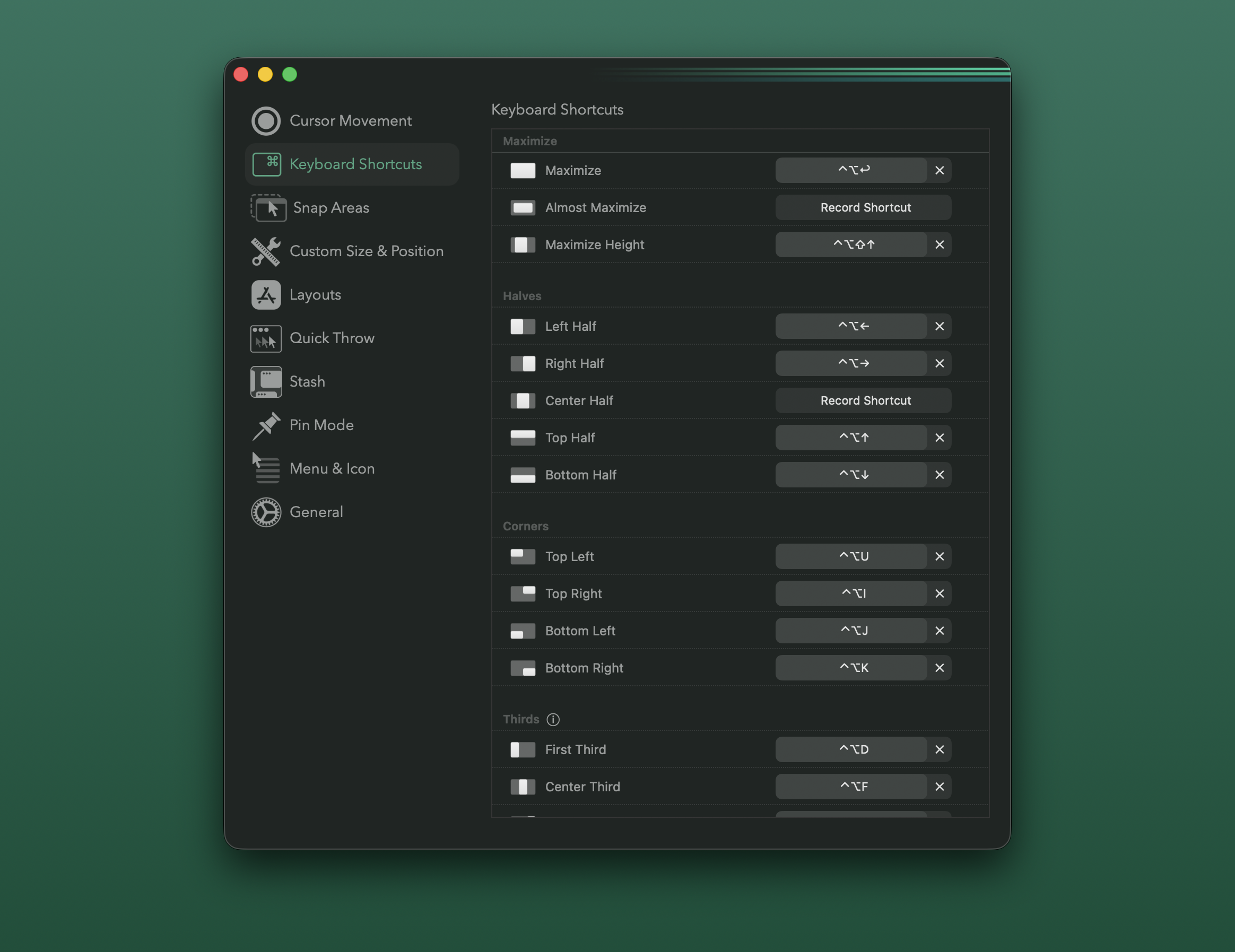
Rectangle Pro has a large list of stock keyboard shortcuts for moving and resizing windows to their desired sizes and positions. If there’s a size and position that doesn’t exist, it can be built in Custom Size & Position.
Repeating Shortcuts
Section titled “Repeating Shortcuts”Several shortcuts will cycle through different sizes and positions when they are repeated. For example, repeatedly executing the first shortcut for thirds, fourths, sixths, etc, will cycle through each of the subsequent sizes/positions in that category.
The Fill commands will cycle through some of the available fillable screen areas, defaulting on half width when there are not suitable fill options.
Repeated Commands Setting in the General tab
Section titled “Repeated Commands Setting in the General tab”For half based actions, like left/right half and quadrants, the repeated commands setting in the General tab can be adjusted to set the repeat behavior to cycle sizes.
Another option in that setting is to allow repeated commands to cycle across adjacent displays.
Holding Shortcuts
Section titled “Holding Shortcuts”Holding shortcuts in the Nudge and Size categories will continuously execute these actions until they are released.
Win Arrow Keys
Section titled “Win Arrow Keys”This is a unique shortcut in that the configured modifiers are combined with the arrow keys to provide a similar state machine as what is used in Windows (but not identical). For example, executing right will perform right half, followed by up will perform top right.
Orientation Aware Shortcuts
Section titled “Orientation Aware Shortcuts”Some shortcuts will automatically adjust for portrait oriented displays. Thirds are the most commonly used orientation-aware shortcuts. Note titles like “First Third” instead of “Left Third”.
Next/Previous Space
Section titled “Next/Previous Space”The Next/Previous Space shortcuts will programmatically click down on a window’s title bar, followed by executing the keyboard shortcut for switching Spaces. If you have changed the default keyboard shortcut in macOS for switching spaces, then you will need to configure Rectangle Pro to execute those keyboard shortcuts instead. See corresponding discussion in the Rectangle Pro community GitHub repository for instructions on how to do this.
All Sizes/Positions
Section titled “All Sizes/Positions”| Category | Window Actions |
|---|---|
| Stateful | Win Arrow Keys |
| Fill | Fill Left, Fill Right, Fill Top Left, Fill Top Right, Fill Bottom Left, Fill Bottom Right |
| Maximize | Maximize, Almost Maximize, Maximize Height |
| Halves | Left Half, Right Half, Center Half, Top Half, Bottom Half |
| Corners | Top Left, Top Right, Bottom Left, Bottom Right |
| Thirds | First Third, Center Third, Last Third, First Two Thirds, Center Two Thirds, Last Two Thirds |
| Additional Thirds | Top Third, Center Third, Bottom Third, Top Two Thirds, Bottom Two Thirds |
| Corner Two Thirds | Top Left Two Thirds, Top Right Two Thirds, Bottom Left Two Thirds, Bottom Right Two Thirds |
| Fourths | First Fourth, Second Fourth, Third Fourth, Last Fourth, First Three Fourths, Center Three Fourths, Last Three Fourths |
| Fifths | Firsth Fifth, Second Fifth, Third Fifth, Fourth Fifth, Last Fifth |
| Sixths | Top Left Sixth, Top Center Sixth, Top Right Sixth, Bottom Left Sixth, Bottom Center Sixth, Bottom Right Sixth, First Sixth, Last Sixth |
| Eighths | Top Left Eighth, Top Center Left Eighth, Top Center Right Eighth, Top Right Eighth, Bottom Left Eighth, Bottom Center Left Eighth, Bottom Center Right Eighth, Bottom Right Eighth |
| Ninths | Top Left Ninth, Top Center Ninth, Top Right Ninth, Middle Left Ninth, Middle Center Ninth, Middle Right Ninth, Bottom Left Ninth, Bottom Center Ninth, Bottom Right Ninth |
| Display | Next Display Ratio, Previous Display Ratio, Next Display, Previous Display, Next Space, Previous Space |
| Snap | Snap Left, Snap Right, Snap Up, Snap Down, Snap Top Left, Snap Top Right, Snap Bottom Left, Snap Bottom Right |
| Nudge | Nudge Left, Nudge Right, Nudge Up, Nudge Down |
| Size | Larger, Smaller, Larger Width, Smaller Width, Larger Height, Smaller Height |
| Other | Center, Upper Center, Restore, Last |
| Multiple Windows | Reveal Desktop Edge, 2x2 Tiles, 2x3 Tiles, Cascade All Windows, Cascade App Windows, App Next Display, App Previous Display, App Left Half, App Right Half, Tidy |